How do I get invited?
There’s no “sign up” button on Fluidz. You get in invited by a member.
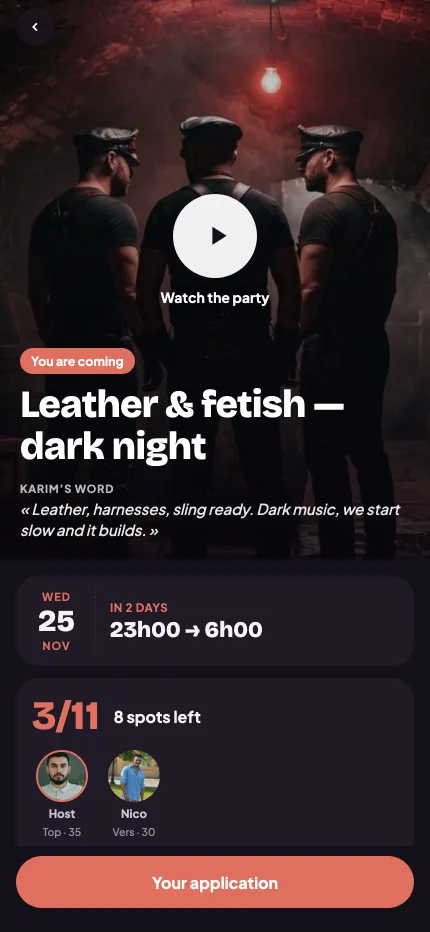
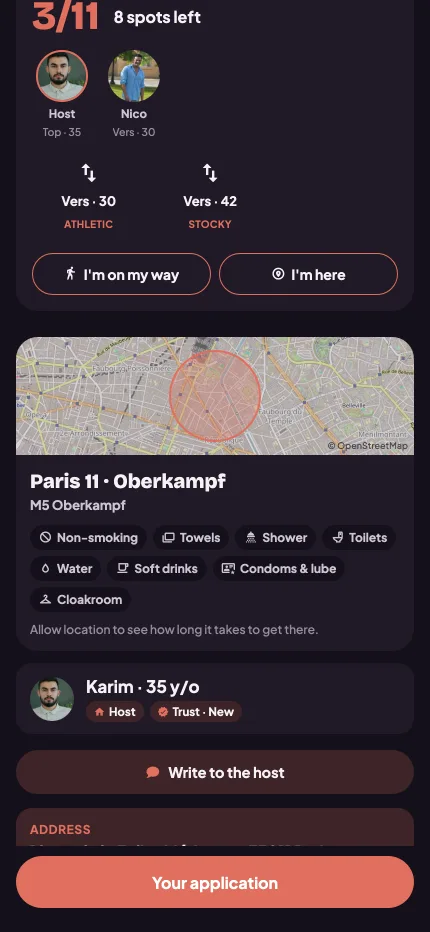
Most of the time, it starts with a night.
1. A host sends you a link
On Grindr, by message, in person. The link opens the night’s page: who’s coming, the roles, the neighbourhood, what the host asks for.
- No app needed to look and apply
- If the host accepts you, you carry on in the web app: your access follows you
- The link counts as an invite: your account is created with it
2. A member gives you a code
A friend already on Fluidz can bring you in. He gives you an invite code, like FLZ-XXXX-XXXX.
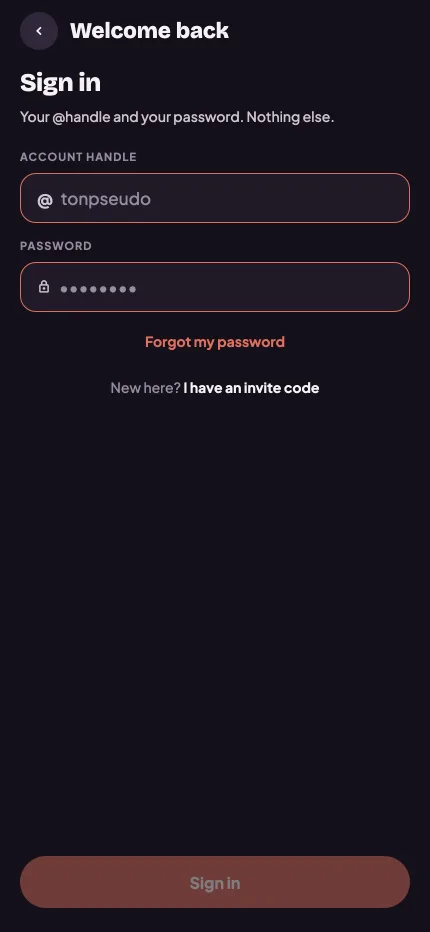
- In the app: “I have an invite code”
- One code, one account: no shortcuts
- You can check it here, in the box above
3. Don’t know anyone?
Hosts share their nights on Grindr and elsewhere: answer a post and ask for the link. Or ask around: a friend may already be a member.
- A few open nights are summarised on the home page
- One night is enough to get in
Because we meet at someone’s place.
A private night means an address, a door, people who trust each other. On Fluidz, only members bring in new members: everyone came through someone. That keeps out fake profiles, time-wasters and no-shows, and makes every yes a little safer.
Nobody comes out of nowhere. Reviews left after every night do the rest.
No public directory. Your private photos only open to the people at your night.
Once you’re a member, you invite whoever you like, and host your own nights.
What happens when you open it.
- You discover the night: day, time, neighbourhood, type of place, what’s on site, who’s already in.
- You create your account and apply with what the host asks for. Your photos are seen by the host and the members who vote, no one else.
- The host answers, often with input from those already confirmed.
- Accepted: everyone’s photos open, and the exact address is sent to you.
- As it gets close: detailed access instructions arrive on their own, and a QR code confirms your arrival.
Questions about invites
How do I sign up?
You don’t sign up on your own: Fluidz is invite only. You need a link from a host (a night) or a code from a member. With either one, you create your account in two minutes in the app.
That’s on purpose: every member got in through someone who’s already in. No fake profiles coming out of nowhere.
I have no link and no code. What do I do?
Ask a friend who’s already on Fluidz: he can invite you. Otherwise, hosts share their nights on Grindr and elsewhere: answer a post and the host will send you his link.
A few open nights also show up on the home page, in short, to give you an idea.
I got a link to a night. Do I need the app?
No, no app store needed. The link opens the party page in your browser: you see who’s coming, the roles, the area. To apply, you create your account in two minutes, in the web app.
If the host accepts you, the photos open up and the exact address is sent to you.
Where do I enter my code?
In the app, on the first screen: “I have an invite code”. You can also type it on this page, in the “I have a code” box: we tell you right away if it’s valid and what it opens.
How many people is a code for?
One code, one account. Some night links are single-use, others work for several people, others expire: the host decides.
Install the web app on your phone.
App Store and Google Play: coming soon, under review. The web app already does everything, and sits on your home screen like an app.
And to have it like an app, add it to your home screen:
- Open app.fluidz.app in Safari
- Tap Share (the square with the arrow)
- “Add to Home Screen”, then Add
- Open app.fluidz.app in Chrome
- Tap the ⋮ menu, top right
- “Install app” or “Add to Home screen”
Point your phone’s camera at this code: the web app opens, then just add it to your home screen.